

Switching your dispensary POS system is one of the highest-leverage operational decisions you'll make, and one of the most avoidable sources of downtime, compliance gaps, and staff frustration if you approach it wrong. Approached methodically, with the right partner, it can be fast, clean, and invisible to your customers.
This guide covers what a cannabis POS migration actually involves, where things go wrong, and how to move without disrupting your operation.

In This Post
- Why Operators Switch Dispensary POS Systems
- The Biggest Concerns About Switching (And Why They're Manageable)
- How to Switch Dispensary POS Systems: A Step-by-Step Approach
- What a Clean Migration Actually Looks Like
- How Long Does a Dispensary POS Migration Take?
- What to Ask Your Next POS Vendor Before You Sign
- Dispensary POS Migration FAQs
Why Operators Switch Dispensary POS Systems
Most operators don't switch on a whim. They hold on as long as they can, until the friction becomes undeniable.
The most common triggers:
- Compliance exposure. Manual Metrc uploads, missed reporting windows, or inventory discrepancies that take hours to untangle. Every gap is a liability.
- Slow checkouts. A POS that requires too many taps to complete a transaction creates lines. Lines create churn.
- Poor or slow support. When something breaks mid-shift and your vendor doesn't answer, you find out what it's actually worth to you.
- Scaling friction. A system that was fine for one location becomes a liability at three. Separate reporting, inconsistent workflows, and duplicate training overhead don't scale.
- Split systems. Running different software across locations means budtenders train twice, managers report from multiple dashboards, and nothing consolidates cleanly. If any of these sounds familiar, you're probably already past the point of tolerating your current system. The question is how to get out cleanly.
The Biggest Concerns About Switching (And Why They're Manageable)
"We'll lose sales during the transition."
A properly planned migration happens outside of business hours. Hardware gets installed the night before go-live. Data is transferred before opening. Customers experience nothing.
"Our team won't adapt fast enough."
Staff adoption is a training problem, not a software problem. The right POS partner provides structured onboarding, ideally self-paced training your budtenders can complete before launch, so day one isn't day one for the system.
"Our Metrc data is a mess."
This is common. It's also fixable before you go live. A good onboarding team will audit your existing Metrc account, resolve discrepancies, and import clean inventory data before your first transaction runs through the new system.
"The timing is terrible."
There's never a perfect window. But a well-run migration only requires two to three people on your side to pull it off. Most of the heavy lifting falls on your implementation partner.
"We're going to have to re-label all of our products."
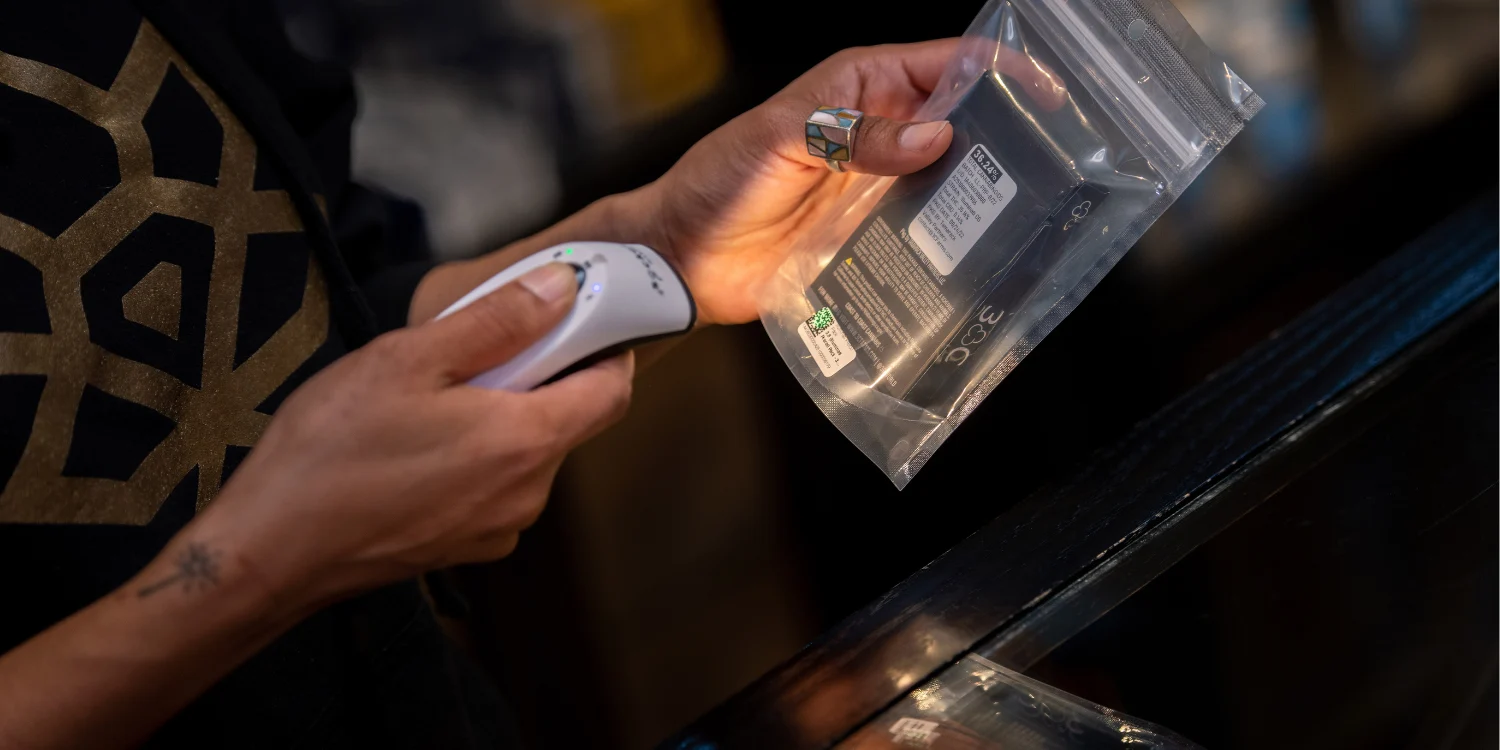
Not necessarily. Meadow can read any label that contains the Metrc package ID, including labels from Treez and Dutchie, so your team can operate on existing labels from day one.
How to Switch Dispensary POS Systems: A Step-by-Step Approach
Step 1: Audit your current situation before you commit to anything
Before evaluating new systems, get honest about what's actually broken. Document the friction points your team experiences daily: how long checkout takes, how often inventory errors surface, how much time managers spend on manual compliance tasks, and what it costs you in support when something goes wrong.
This audit does two things. First, it gives you a clear picture of what you need a new system to solve. Second, it gives you a baseline to measure against after the switch.
Also take stock of your current data. What customer records, purchase history, and inventory information lives in your current system? How clean is your Metrc account? Understanding the scope of your migration upfront prevents surprises.
Step 2: Evaluate new systems against your actual operating model
Cannabis retail isn't generic retail. The right dispensary POS system needs to handle state-specific compliance natively, not as a bolt-on. If you're in a Metrc state, that means real-time sync, not batch reporting. It means purchase limits enforced automatically at the register, not manually checked.
Beyond compliance, consider:
- Does it support all your sales channels (in-store, delivery, pickup, kiosk) from one platform?
- Can it scale to additional locations without adding operational complexity?
- What does the onboarding process actually look like? Ask for specifics, not marketing language.
- What's the support model? How fast do they respond, and do they understand cannabis retail? Ask vendors for references from operations similar to yours. Talk to operators, not just sales teams.
💡 How Meadow handles this: Meadow is purpose-built for cannabis retail across six states, with native Metrc integration, real-time compliance safeguards, and a support team that responds in minutes. See how operators choose Meadow over other POS systems
Step 3: Plan your Metrc cleanup before you migrate
This step is underrated, and skipping it is where most migrations go sideways.
Before you cut over to a new system, your Metrc data needs to be clean. That means every package UID on your shelves is properly logged, every variance is explained, and your inventory matches what Metrc thinks you have.
Your new POS partner should help with this. Meadow assigns onboarding specialists who work through your Metrc account with you ahead of go-live, catching discrepancies before they become compliance issues in the new system.
Starting clean matters. When inventory is accurate from day one, managers trust the system. When managers trust the system, the whole operation runs better.
Step 4: Build your migration timeline around your traffic patterns
Look at your sales calendar and find your lowest-traffic window. A Monday after a slow weekend is usually ideal. Avoid the weeks around 4/20, major holidays, and any period with above-average foot traffic.
A well-run migration has three phases:
Pre-go-live (1 to 3 weeks out): Finalize your Metrc cleanup. Complete staff training through whatever resources your new vendor provides. Transfer customer data and product catalog. Confirm hardware delivery and installation schedule.
Cutover night: Install hardware. Complete final data transfer. Test the system end-to-end before the store opens. Your implementation team should be available for this.
Go-live day: Run with support on-site or on-call. Most teams find the first few hours feel slightly unfamiliar, then normal by midday. Staff who trained ahead of time are significantly more confident.
Step 5: Train staff before go-live, not during it
This is the most common mistake. Operators assume they'll train staff during the first week. That leads to longer checkout times, frustrated customers, and a team that blames the new system for problems that are really just unfamiliarity.
Build in time for your entire team to complete training before day one. Self-paced training modules, the kind your budtenders can complete at home or before their shift, are particularly effective. When staff have seen the system before they're in front of a customer, they perform like they've been using it for weeks.
💡 How Meadow handles this: Meadow Mastery is a free, self-paced video training series covering every key workflow: checkout, inventory, and compliance. Budtenders complete it before launch, not on the clock. Get your team ready with Meadow Mastery
Step 6: Go live outside of business hours
Hardware installation and final data migration should happen the night before go-live, not the morning of. By the time your first customer walks in, the system is already live, tested, and running.
Trying to cut over mid-business-day is exactly how you create downtime. Don't do it.
Step 7: Keep your implementation partner close on day one
Your vendor should be reachable, on-site or virtually, for your first day of live operations. Edge cases surface in real environments that don't appear in testing. Having someone who knows the system available immediately means your team can get answers in minutes, not hours.
What a Clean Migration Actually Looks Like
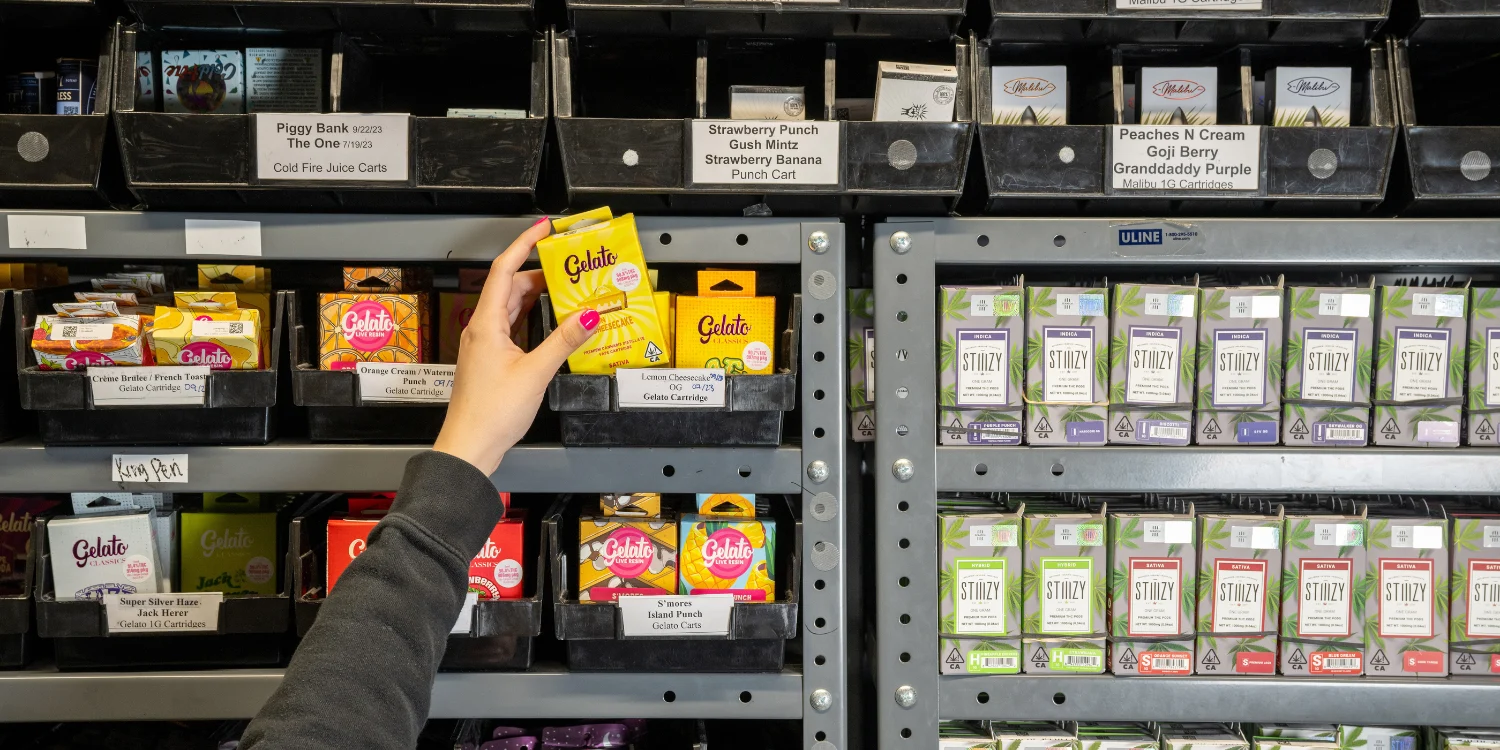
When West Coast Collective, the cannabis retail brand founded by Xzibit, migrated two locations to Meadow, they were running split systems: one store already on Meadow, two on Treez. Budtenders who floated between locations felt the difference firsthand. The verdict from floor staff was clear: they wanted Meadow everywhere.
The transition was planned around 4/20. Meadow's onboarding team completed a full Metrc audit and inventory cleanup with the West Coast Collective managers ahead of the first cutover. Hardware was installed the night before go-live. Customer data and settings were fully transferred before the store opened. Every budtender completed Meadow Mastery before launch.
On go-live day, only two team members were needed to manage the actual migration. Meadow's onsite team handled the rest. Customers experienced zero disruption. The Bel Air location followed just a few days after, migrated equally quickly.
The immediate result: faster checkout lines, simpler workflows, and inventory data managers could trust.
How Long Does a Dispensary POS Migration Take?
For most single-location dispensaries, the process from signed contract to go-live runs two days to four weeks. Multi-location rollouts can be staged, bringing each store live in succession, which reduces the risk of any single migration and lets teams apply lessons from the first store to the next.
The two variables that matter most: how clean your existing Metrc data is, and how much of your team's training is completed ahead of schedule.
What to Ask Your Next POS Vendor Before You Sign
Don't rely on feature comparisons alone. Ask these questions directly:
- What does your onboarding process look like, step by step?
- Do you do Metrc audits as part of onboarding, or is that on us?
- Who is my point of contact during migration, and how do I reach them if something goes wrong on go-live day?
- Can you provide references from operators who switched from my current system?
- What's your support response time after we're live? The answers will tell you whether a vendor has done this before, or just tells you they have.
Dispensary POS Migration FAQs
How long does it take to switch dispensary POS systems?
For most single-location dispensaries, the process from signed contract to go-live runs two days to four weeks. The main variables are how clean your existing Metrc data is and how much of your staff training is completed before go-live day. Multi-location rollouts are typically staged, with each store migrated in succession.
Will I lose data when switching cannabis POS systems?
No, if you plan it properly. Customer records, product catalogs, and purchase history are transferred as part of the migration. A good implementation partner will complete the transfer before your store opens on go-live day so nothing is lost and your first transaction runs on clean data.
Can I switch dispensary POS without disrupting Metrc?
Yes. The key is cleaning up your Metrc data before the migration, not after. Your new POS partner should audit your existing Metrc account and resolve any discrepancies ahead of go-live, so your inventory is accurate from the first transaction on the new system.
Do I have to re-label all my products when switching POS systems?
Not if your new system can read existing Metrc package ID labels. Meadow reads any label containing the Metrc package ID, including labels printed from Treez and Dutchie, so your team can operate on existing inventory from day one without re-labeling.
When is the best time to switch dispensary POS systems?
Choose your lowest-traffic window, typically a Monday after a slow weekend. Avoid the weeks around 4/20, major holidays, and any above-average traffic periods. The cutover itself happens the night before go-live, outside business hours, so customers are never affected.
What if my team doesn't adapt quickly to the new system?
Staff adoption is a training problem, not a software problem. Build in time for your entire team to complete training before launch, not during the first week on the floor. Self-paced training your budtenders can complete before their shift is particularly effective. Teams that train before go-live perform significantly better on day one.
Ready to Switch? See Why Operators Choose Meadow.
Switching your dispensary POS should be one of the last stressful things you do. Meadow's onboarding team handles the Metrc cleanup, data transfer, and go-live support, so your team can focus on the floor. We've helped hundreds of operators across six states make the move without missing a sale.
